SSH, current by default
Post-quantum key exchange first, strict key exchange, no compression. Every algorithm in use is rated in plain words, so you can see what a connection really negotiated.
In development for Windows and Linux
Open an SSH session, reach an older switch over Telnet, or plug into its serial console. Keep your local shell in the next tab.
Download coming soon Explore features
$42.88 once · Lifetime updates included
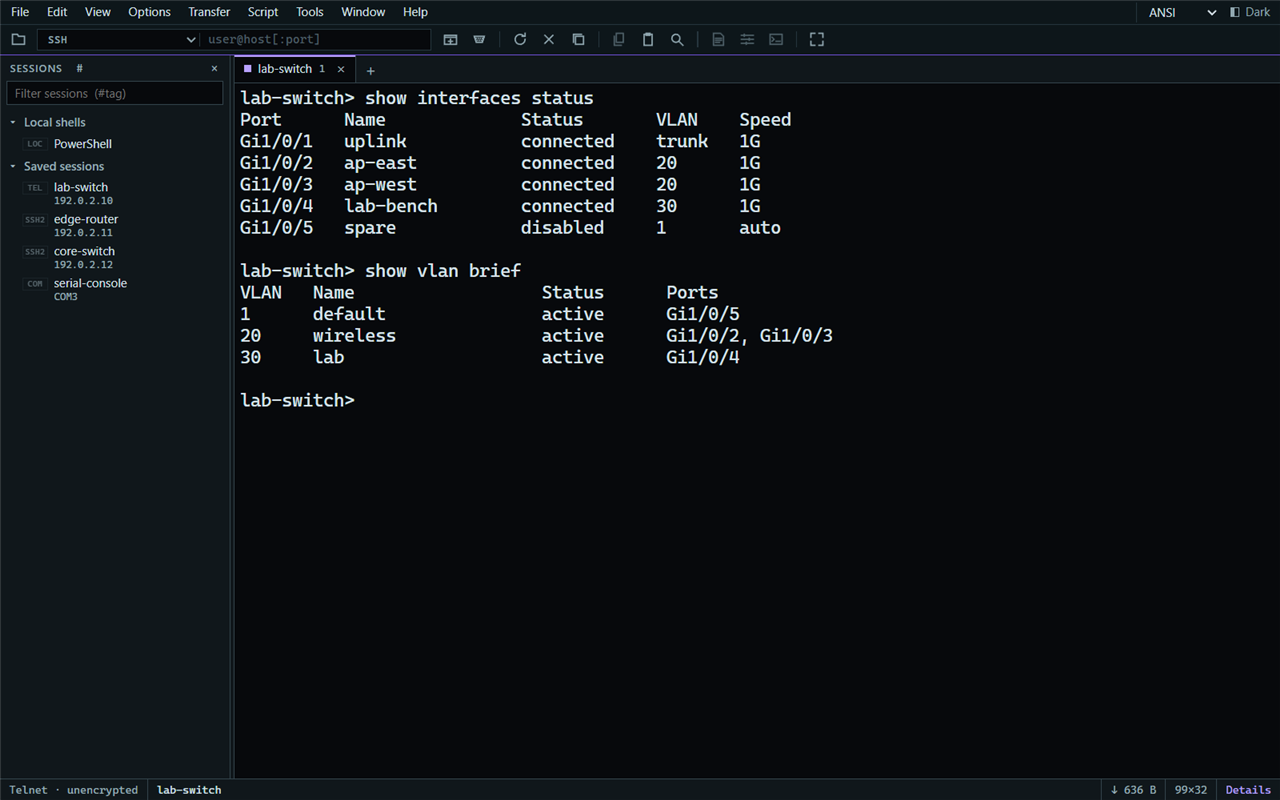
Start in Classic with the Session Manager beside your terminal. Switch to Terminal or Tiled while your connections stay open.
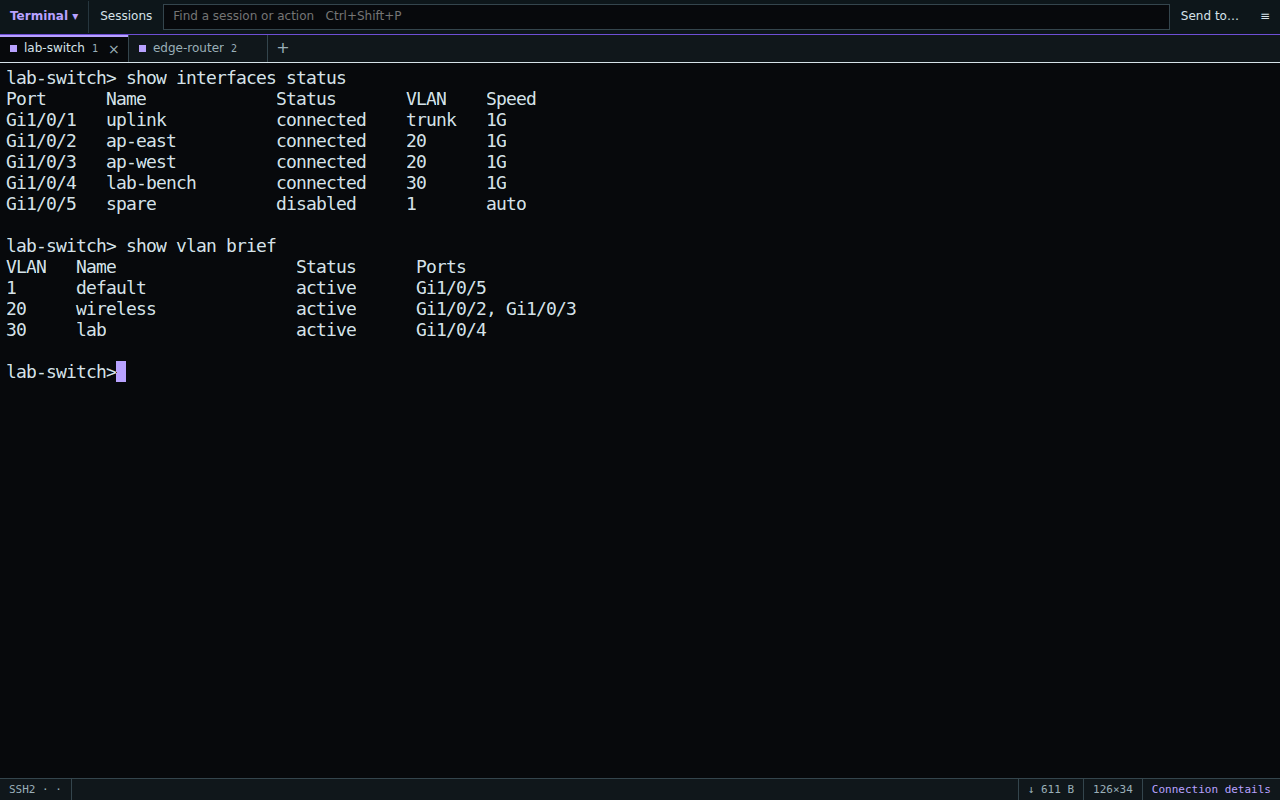
Give the active session the full window. Press Ctrl+Shift+P to find another host, switch tabs or run an action.
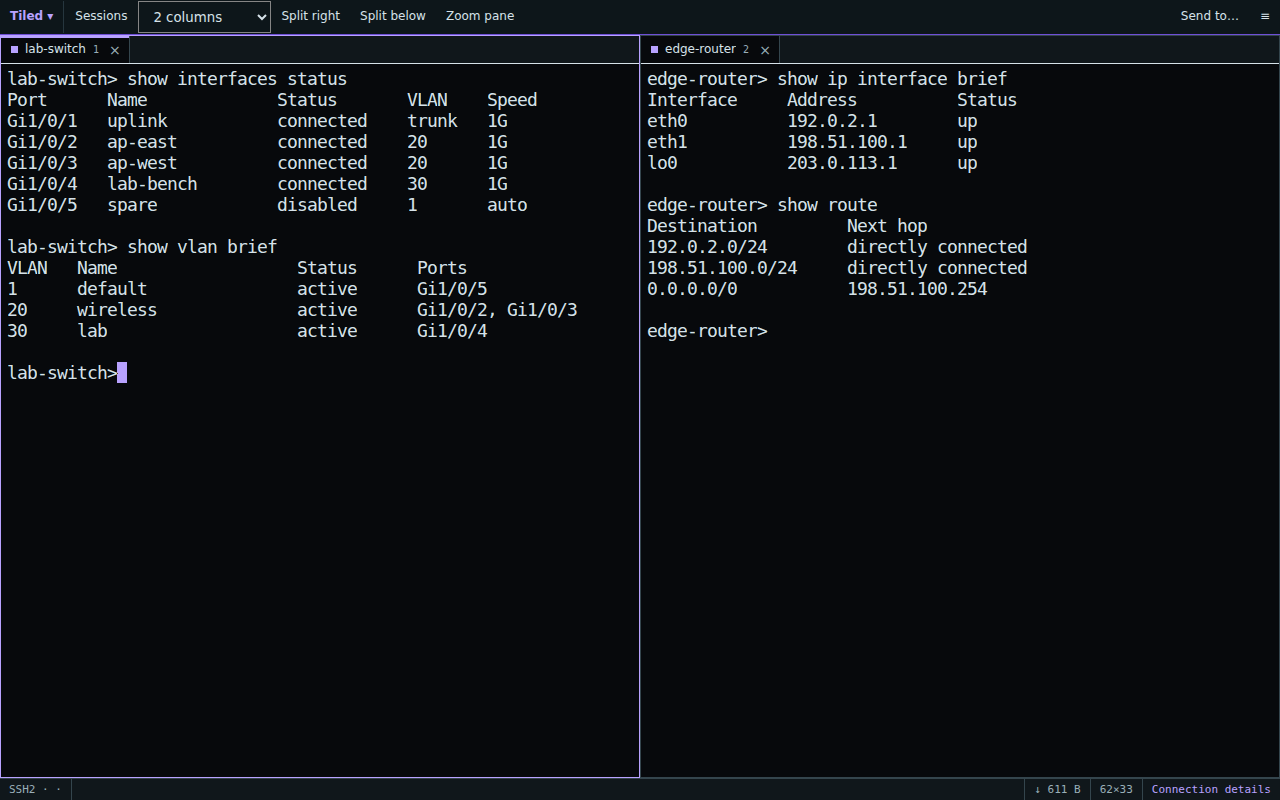
Keep a switch and its upstream router in view together. Split the workspace, drag a divider or zoom one pane.
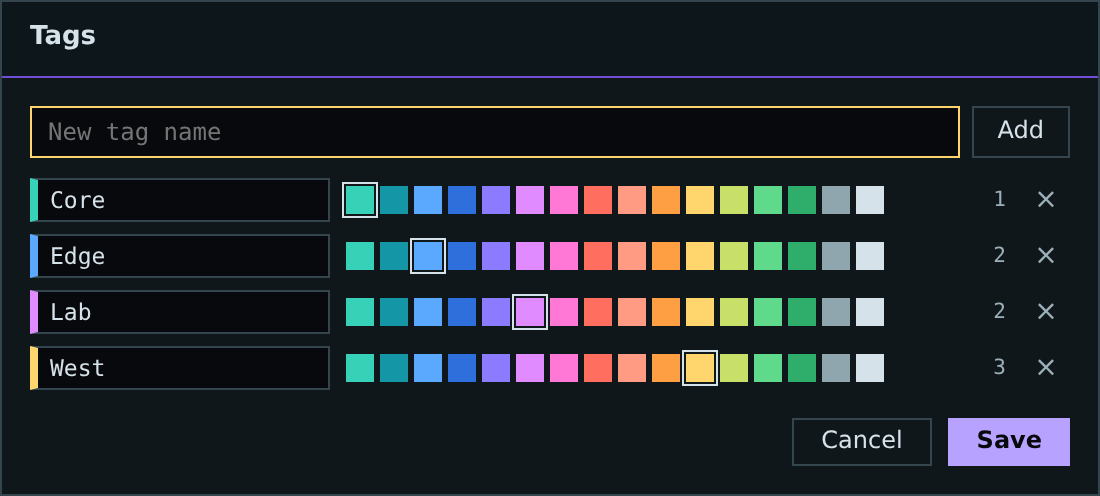
Give a session more than one tag. Pick a site and a role to narrow the Session Manager to the machines that match both. Group open tabs by tag in Classic, Terminal or Tiled.
When an issue starts, open a tagged session log. The incident gets its own file while the full session keeps recording.
In the Windows development build, open Binaric Monitor from a connected SSH or Telnet tab. See the host’s latest check, response time and packet loss beside its terminal. Binaric Monitor must be installed and monitoring that host.
Post-quantum key exchange first, strict key exchange, no compression. Every algorithm in use is rated in plain words, so you can see what a connection really negotiated.
Switches and routers that only speak older algorithms can be allowed one session at a time, with a clear warning first and a marker on the tab afterwards.
A port finder that ranks the likely console cables, speed detection for when the label fell off, and Send Break where you need it.
A host that goes quiet, a link that dies, a firewall that resets you: each ends the session with a sentence that says which. Nothing waits without a limit.
Text with line breaks is shown in an editable preview before it is sent, because each line runs as it arrives. A stray Enter cannot send it.
Written in Rust. Output is flow-controlled from the wire to the screen, so a busy session applies backpressure when the window falls behind.
Figures from our own test runs on a development machine, over loopback, in a debug build. How they were taken.
rheaCRT takes its name from Rhea, mother of the gods in Greek mythology. Its logo shows a lion wearing a crown shaped like a city wall. CRT stands for cathode-ray tube, the display behind the green glow of early terminals.